
Creating Hive account via Hive Keychain
0 comments
Aljif7's Blog
Thursday 13 November, 2025
AREA: Blogging
😋
Hello friends!
Hello crypto-world!
Since weeks ago, I was trying to create an account for post related to Students area that could help them to improve their Spanish.
I was unable to use Referral links to create an account. It always ending telling there is no more tickets for new accounts. (Here I am surprised how some Bot is using my referral account to create Massively new accounts, please #inleo-team give some advice about that, #feedback, well this subject I already did some Threads about it.)
Finally I arrived to create a new account through my Hive Keychain.
And here I am sharing the steps I follow up.
I opened my Hive Keychain.

In Menu, I go to accounts
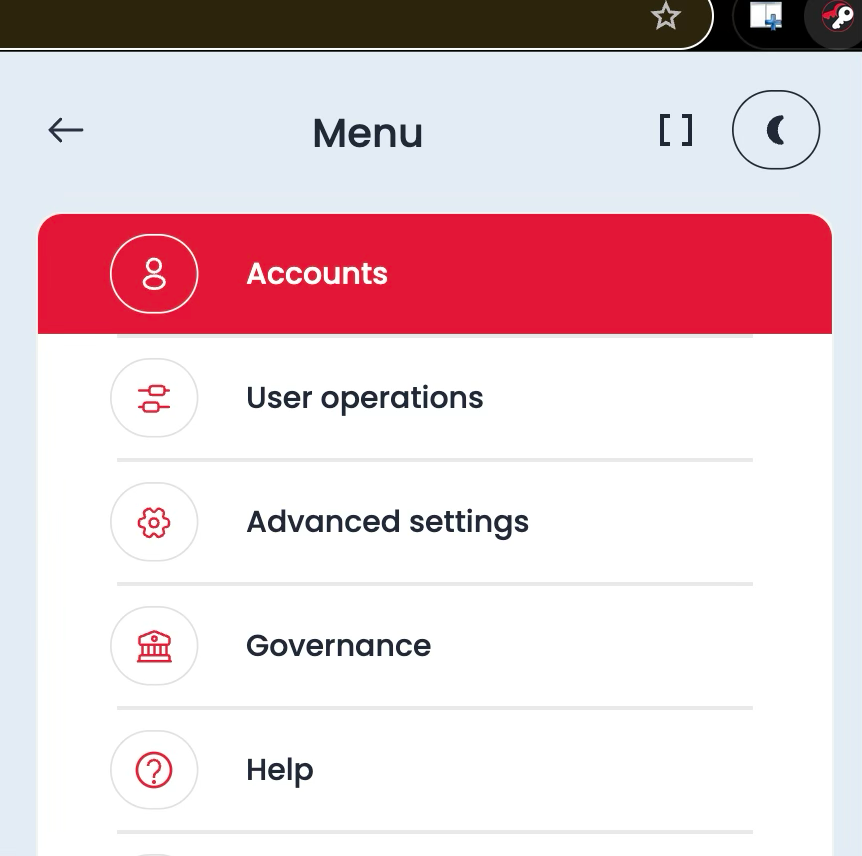
From that Menu I choose Create account.

It shows my account and 1 Ticket to create account.
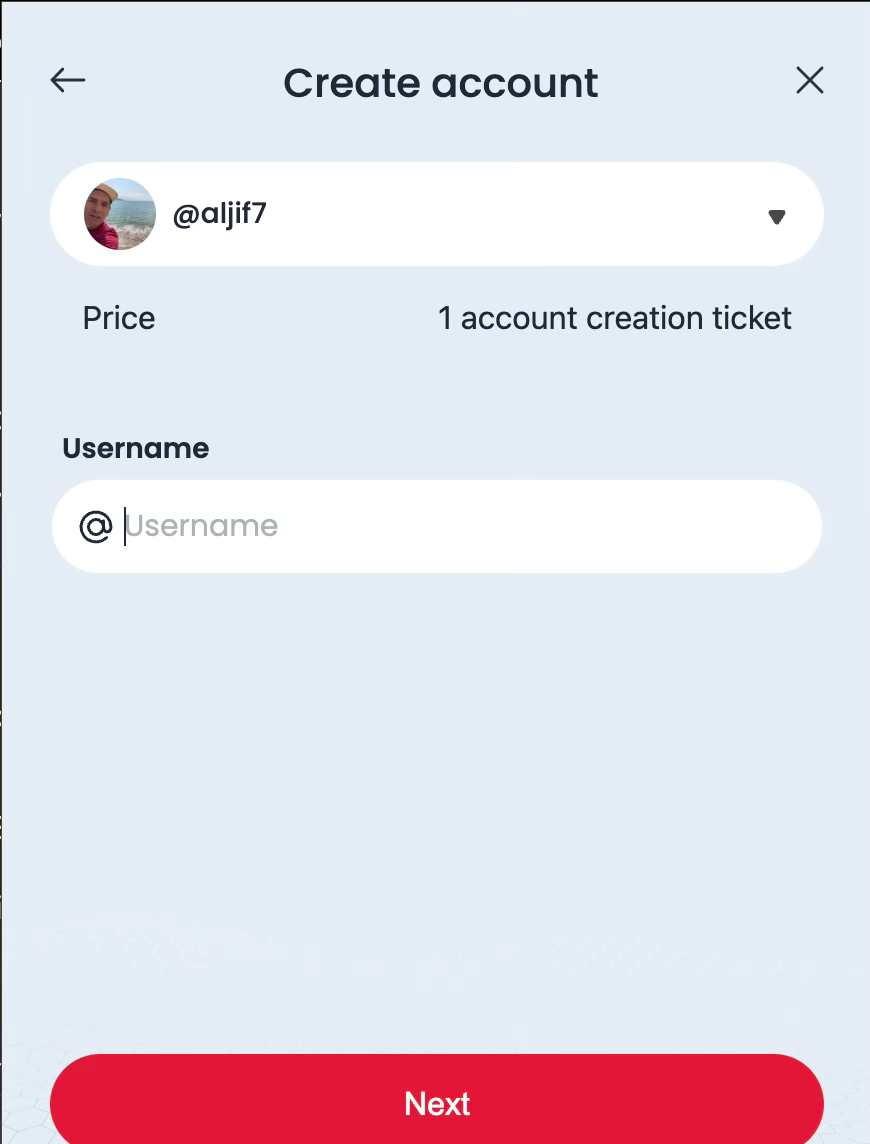
I input the name for the new account.

It shows the Keys, which I copy and keep separately, also it will keep into my Hive Keychain.

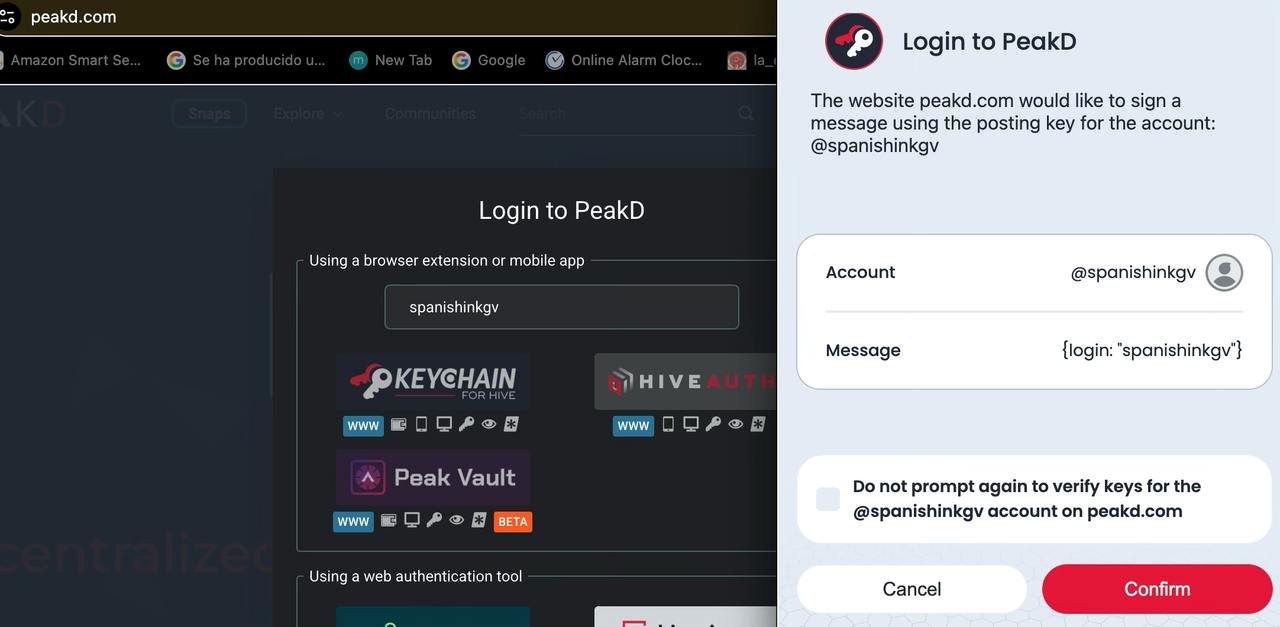
From any Dapp, I can see it connecting with my Hive Keychain, just I need to swith User.

Log in with Keychain.

I choose the New User and done.
I helped my friend @thewhite-52, once I learn these steps.
That's all for now my friends!
Thank you for your support!
Posted Using
Comments